TECHNICAL
Technical
Guides, manuals, and how-tos — researched, diagrammed, and bound.
PenMyBook is the whole workshop — plan, research, write, illustrate, read, edit, and publish. Technical books add diagrams and programs, and can grow with new chapters. Story Studio books add tone, POV, rating, and generated art.
Technical books get real diagrams. Science fiction, literary fiction, screenplay, and children’s books get generated illustrations and Story Studio controls — not architecture figures.
Guides, manuals, and how-tos — researched, diagrammed, and bound.
Speculative worlds with rules that hold, illustrated with generated art.
Interiority, subtext, quiet tension — a novel in your voice.
INT./EXT., cues, present-tense action: a script you can film.
Read-aloud spreads, warm and clear, in the age band you choose.
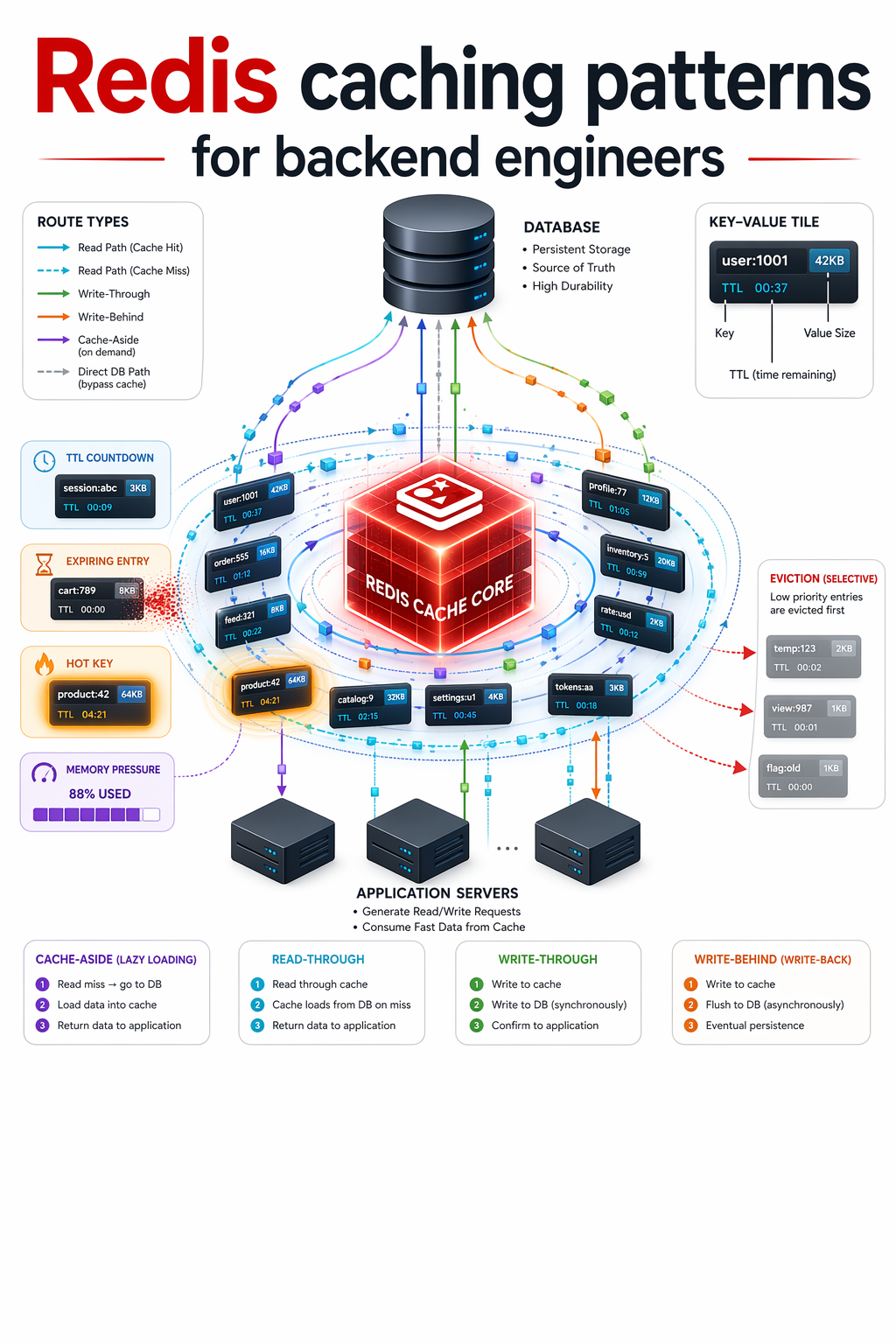
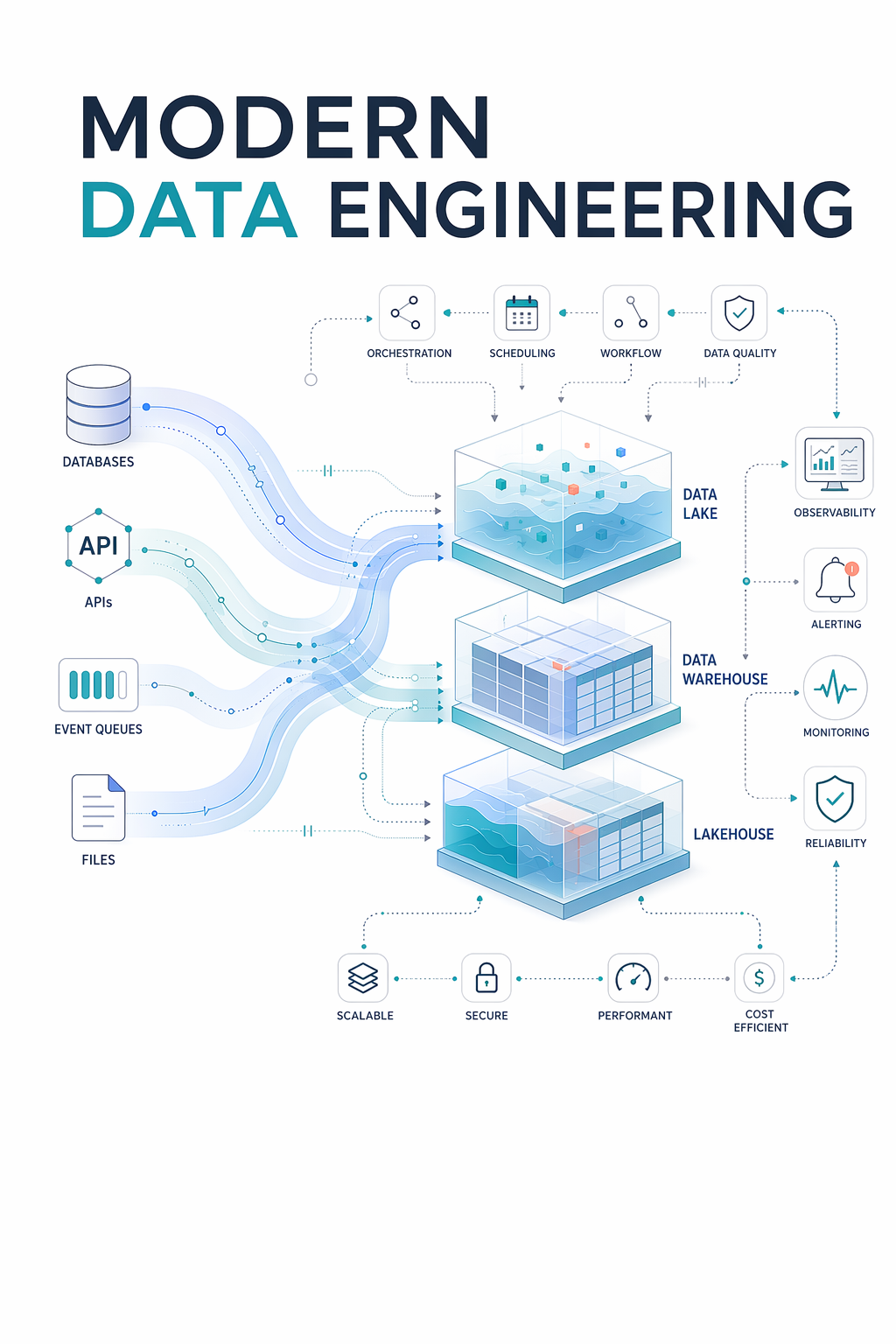
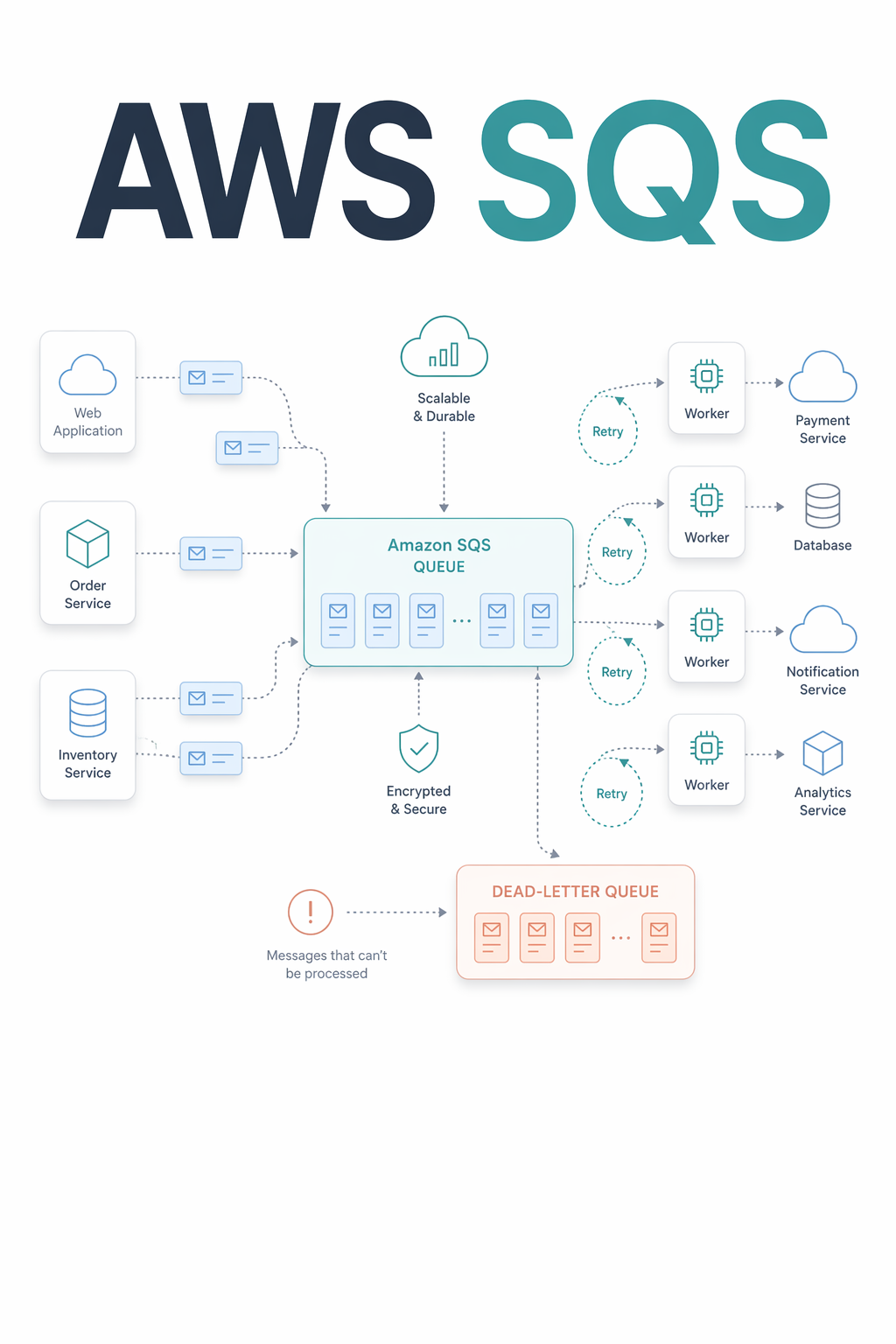
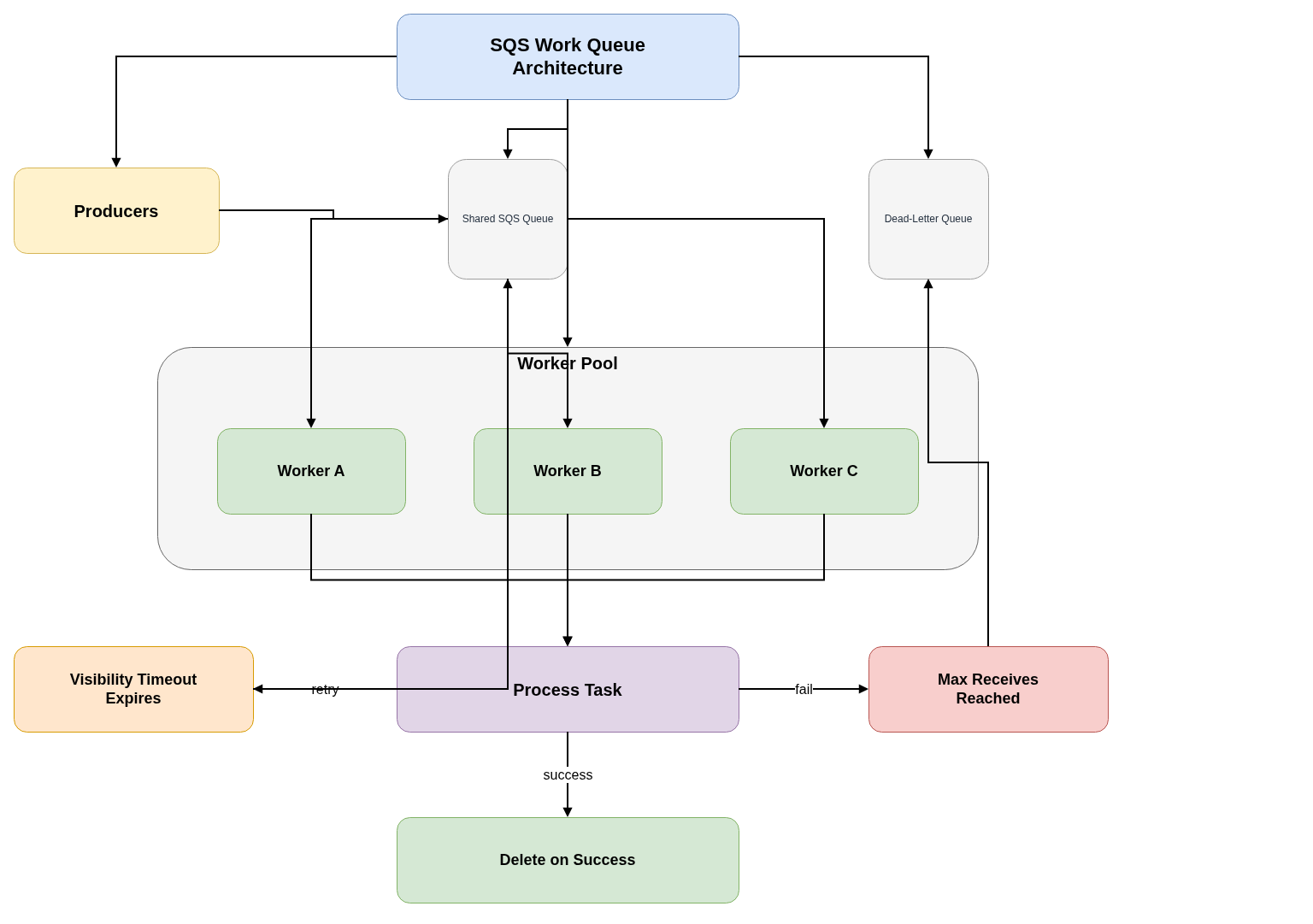
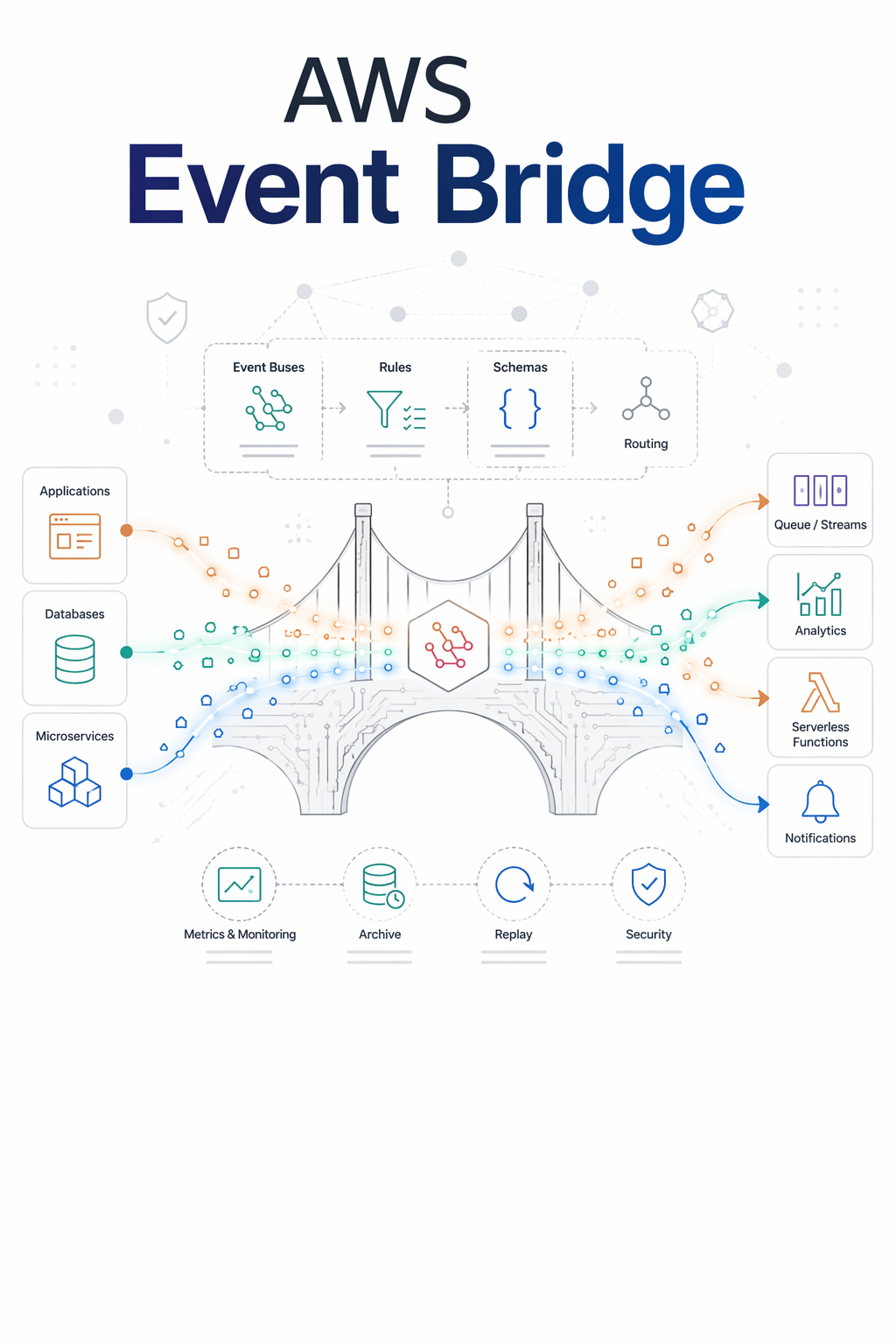
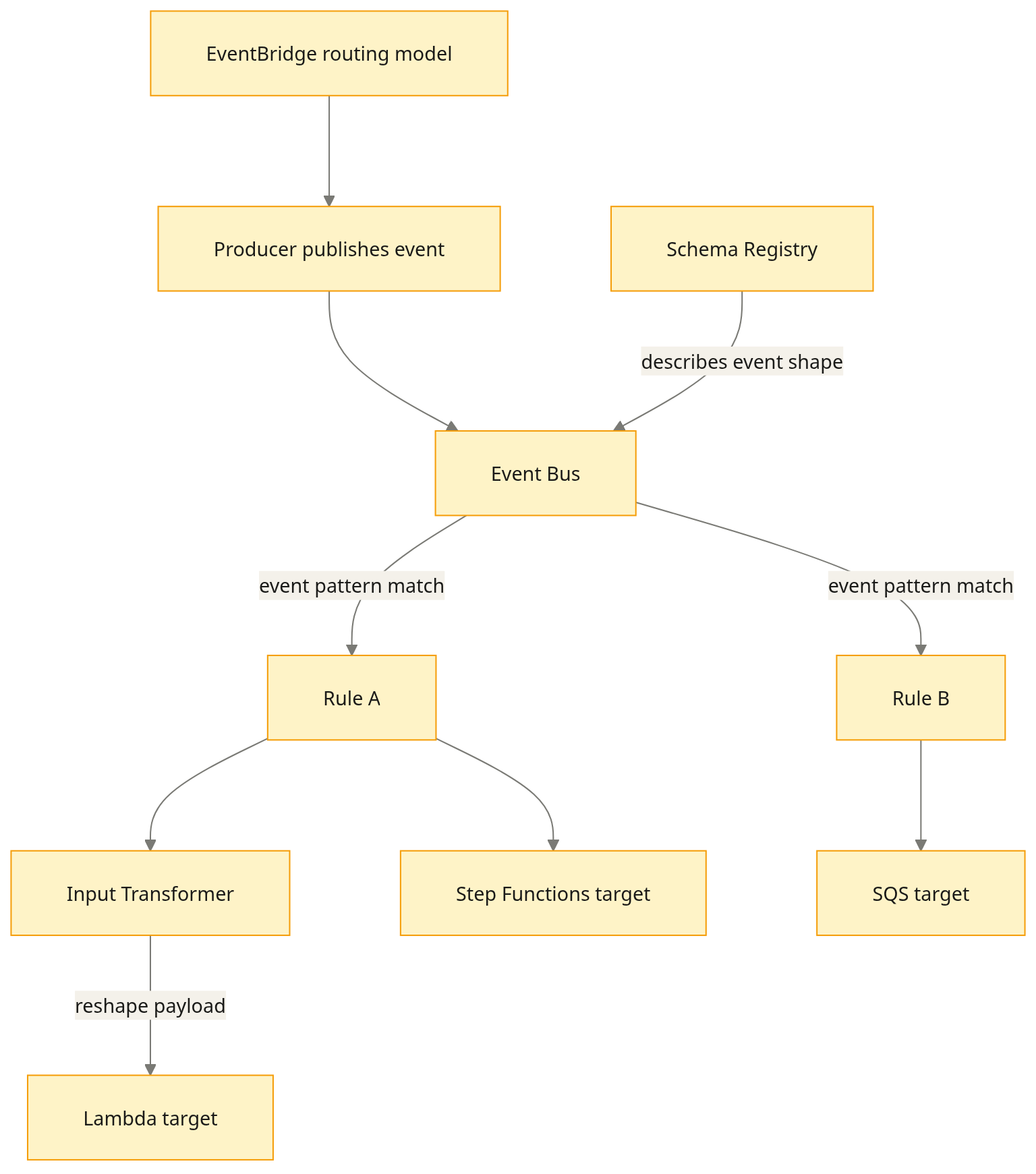
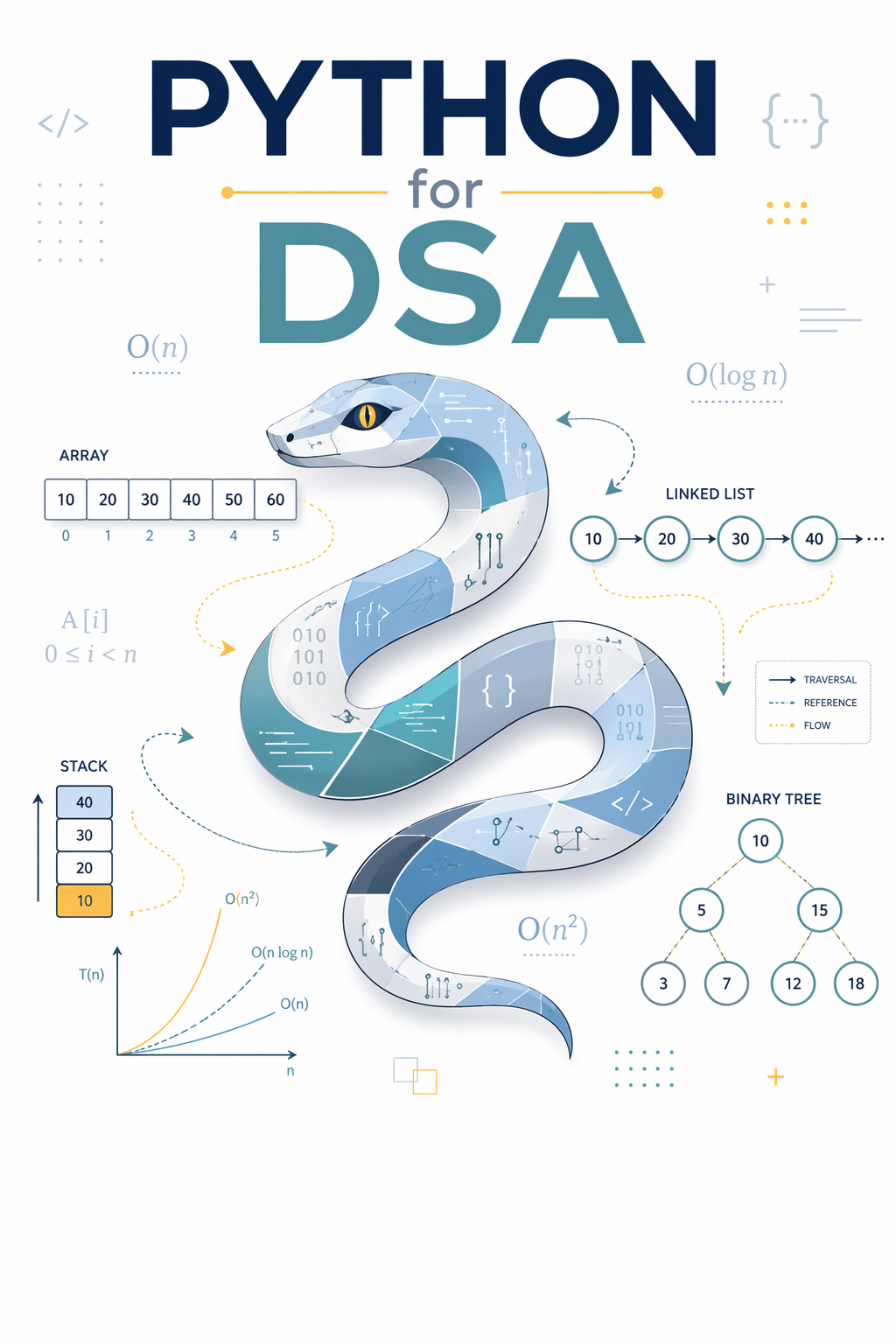
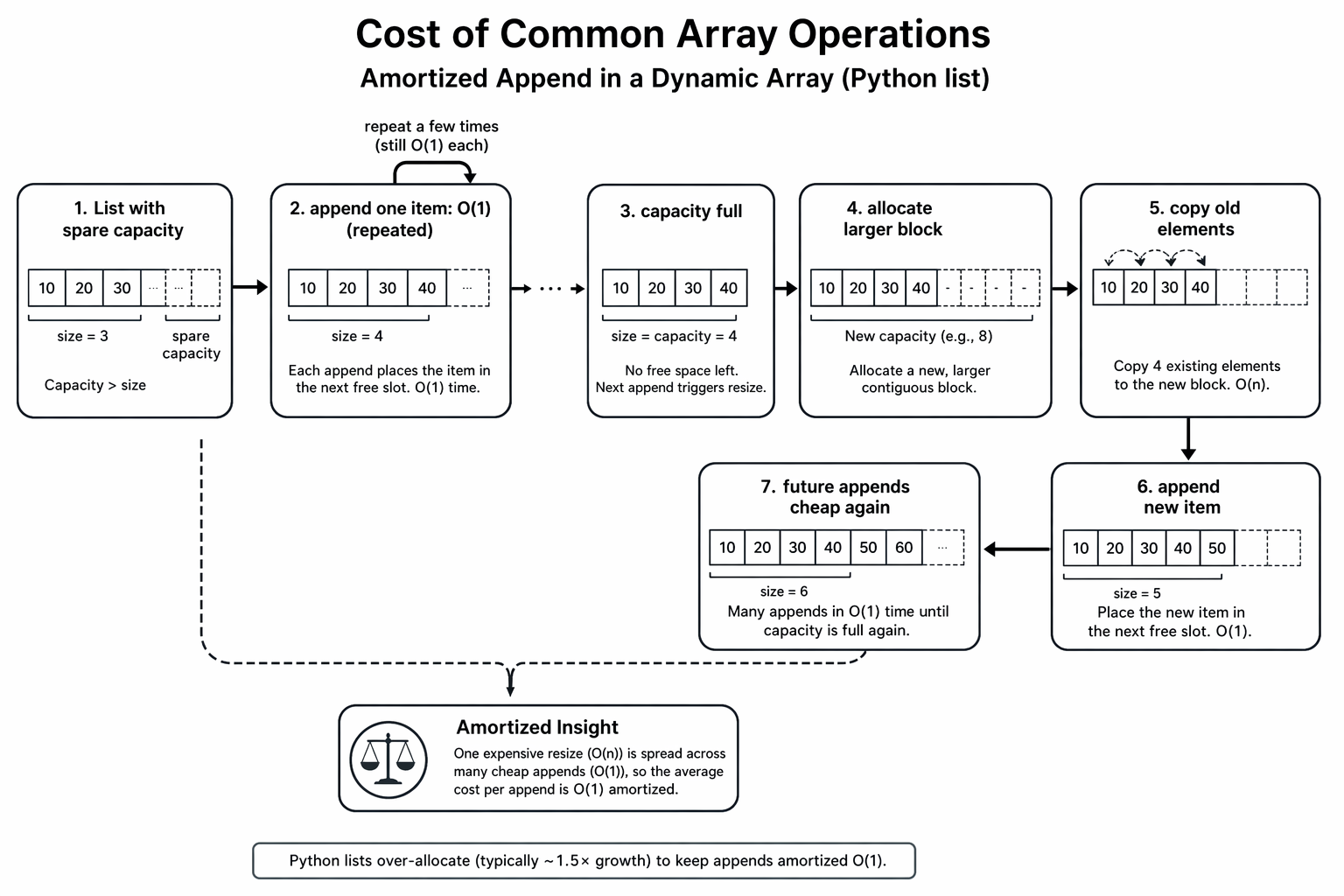
Five real Archify figures from the technical pipeline: architecture, sequence, dataflow, workflow, and lifecycle. Not marketing mockups.

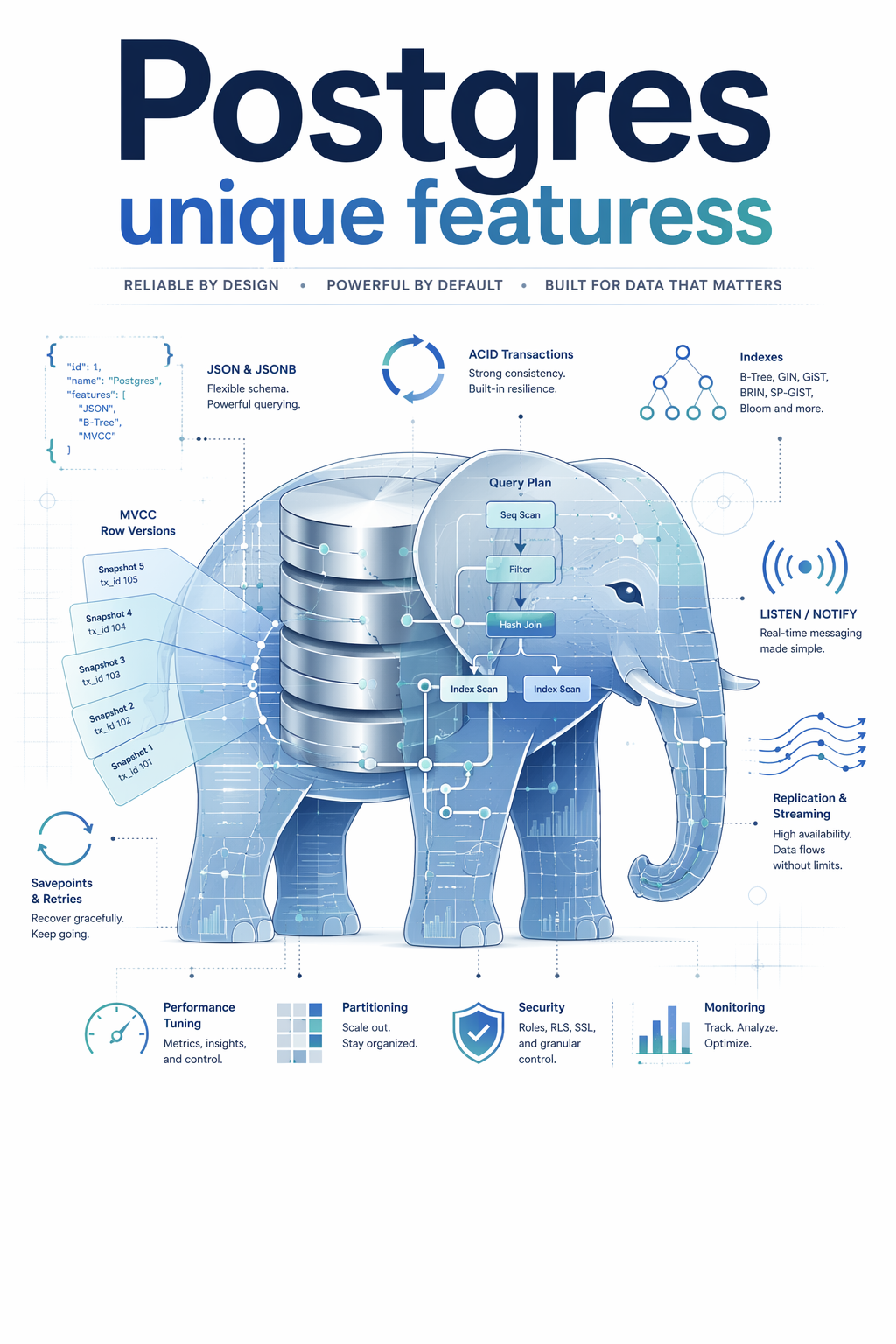
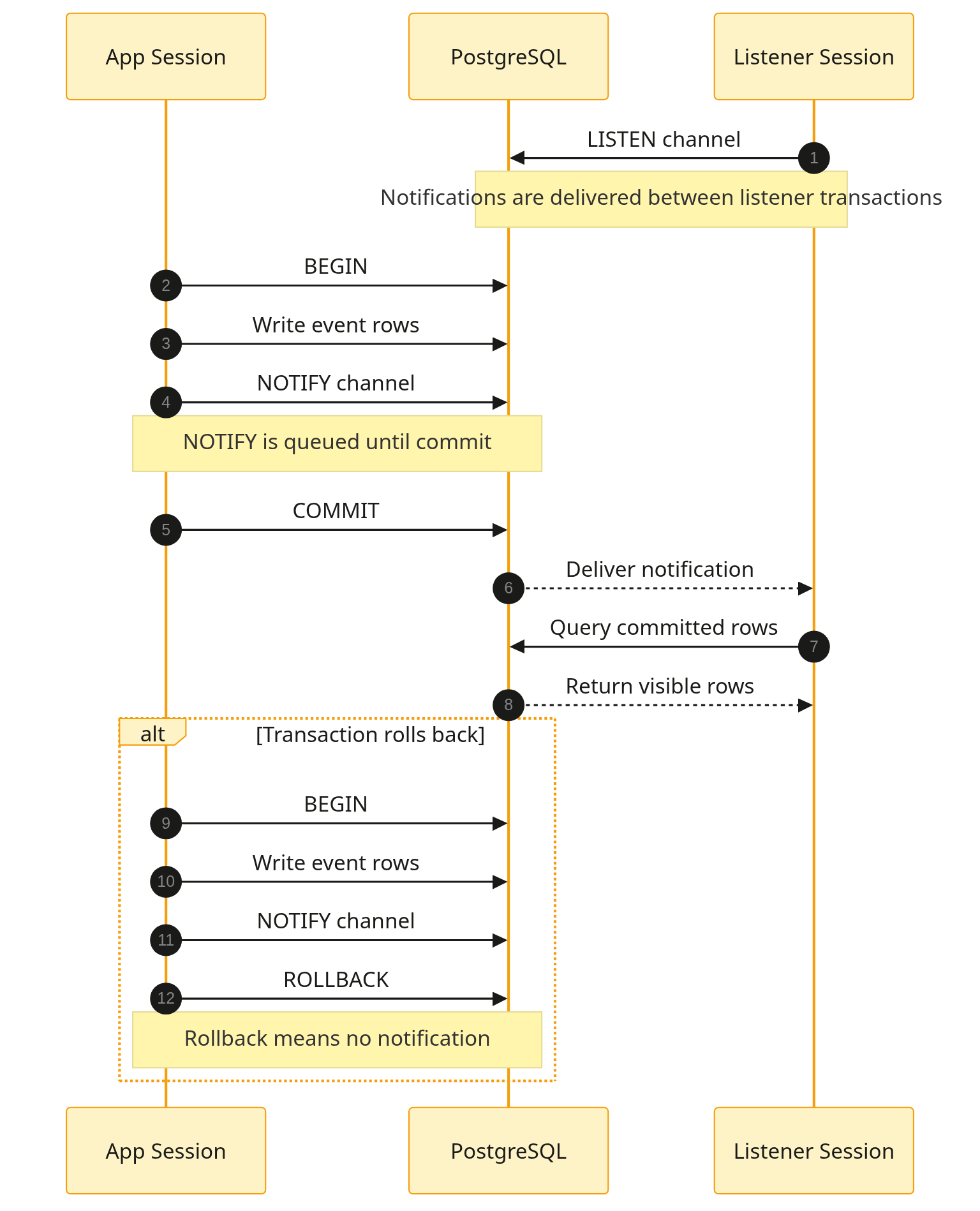
The book that put the elephant on the cover. Inside, LISTEN/NOTIFY is drawn as a real protocol sequence diagram — including the transaction-rolls-back alt-path — and MVCC visibility is rendered as the dual-tuple structure it actually is.
Eight figures from the book pipeline. Every curve, area, root and intersection is calculated before it is drawn, so the numbers on the page are the numbers in the maths.


Cover on the left. The inside figure sits in the open space beside it — uncropped.
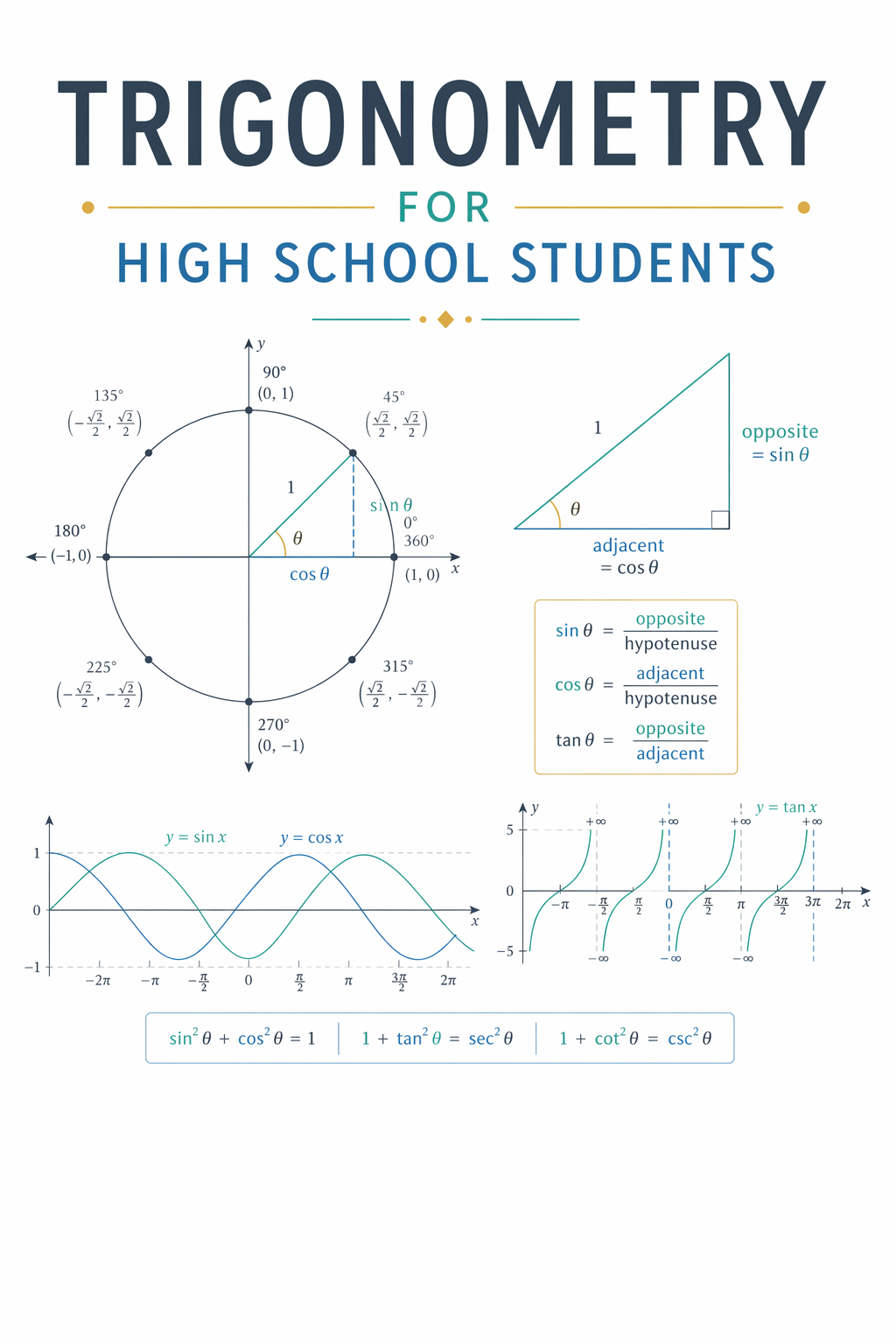
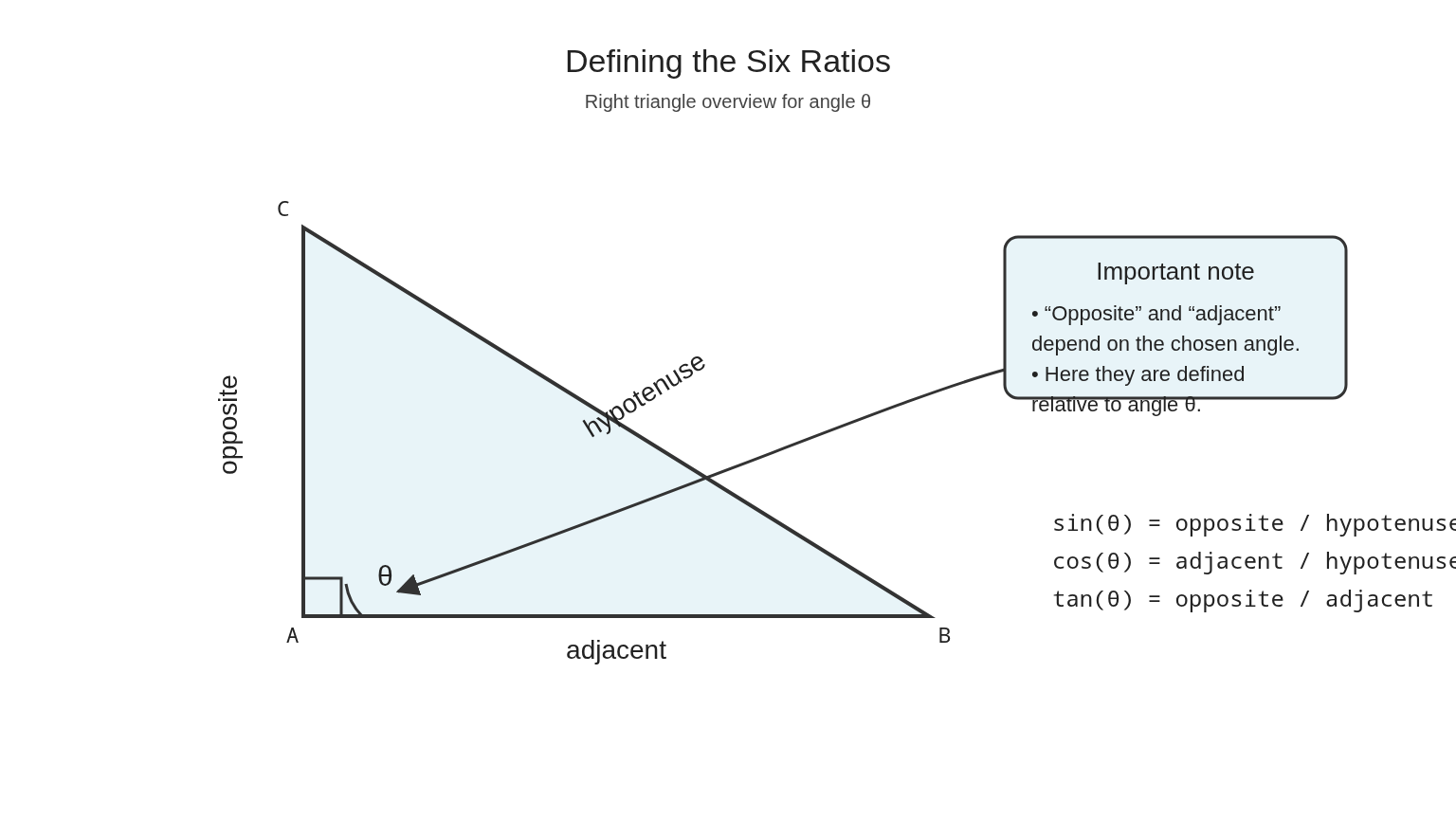
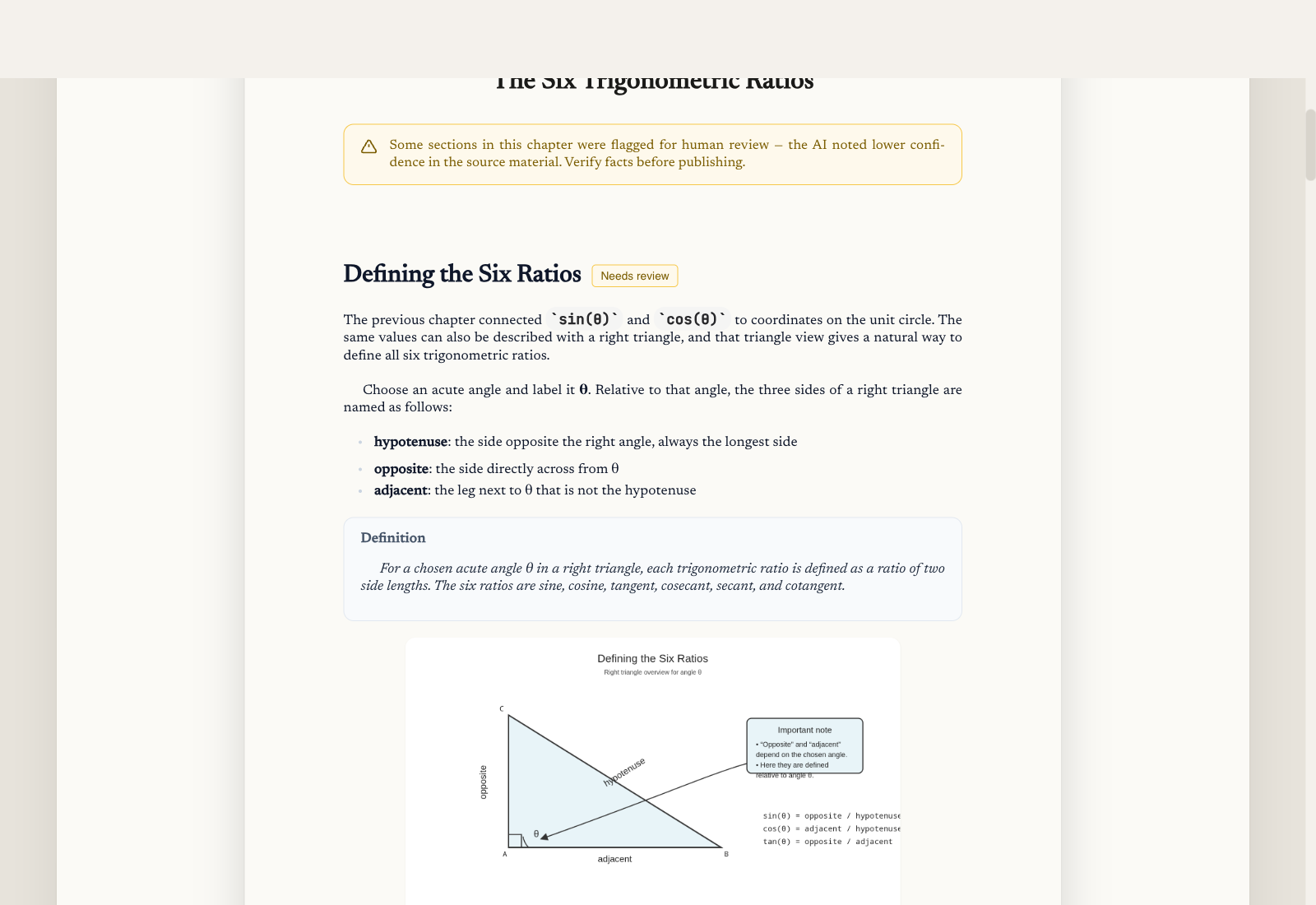
A real high-school textbook cover with the unit circle, the six ratios, the sine/cosine graphs, and the Pythagorean identities all sitting on the front. Inside, the geometry is drawn — labeled right triangles with hypotenuse, opposite, adjacent — not described in prose.
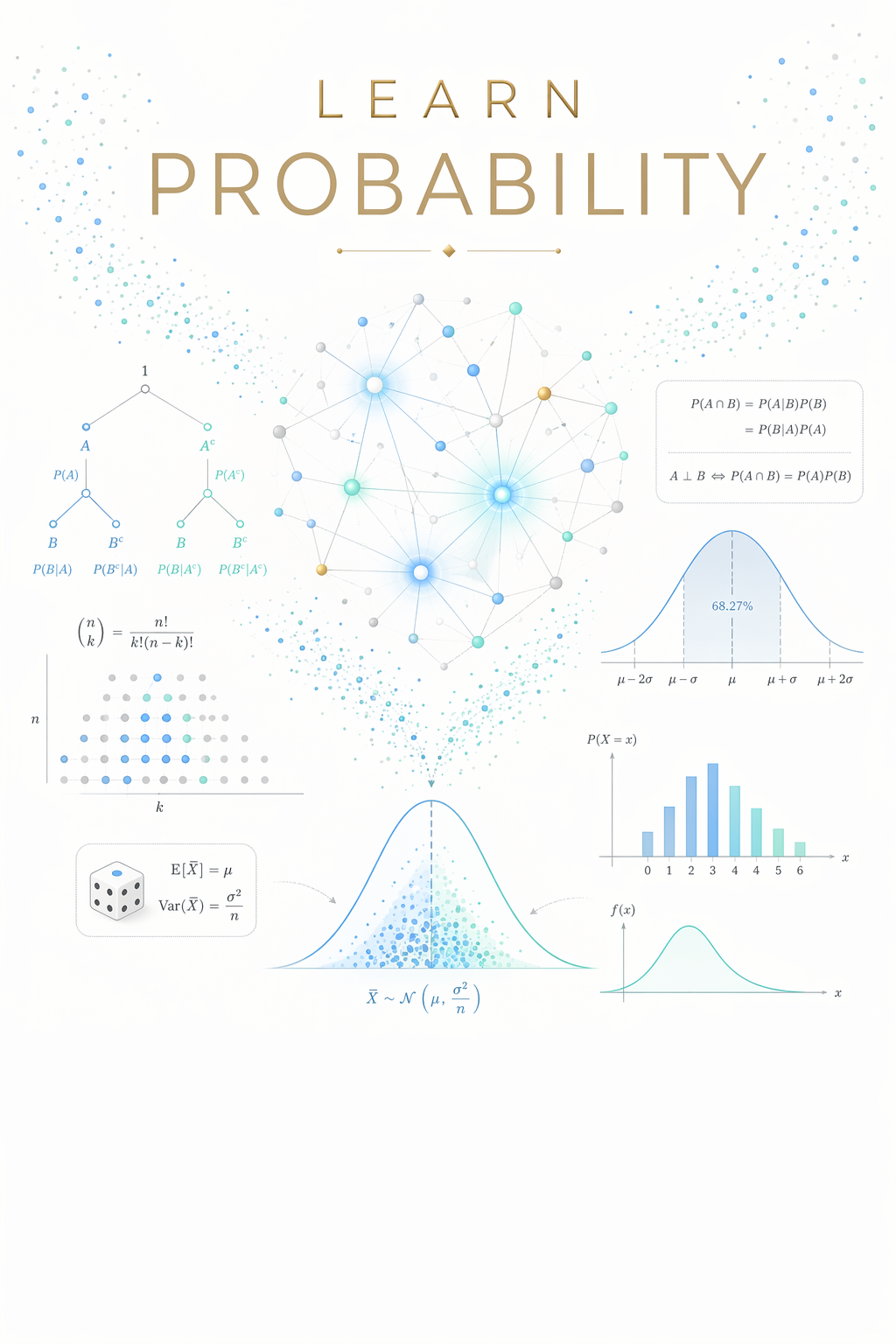
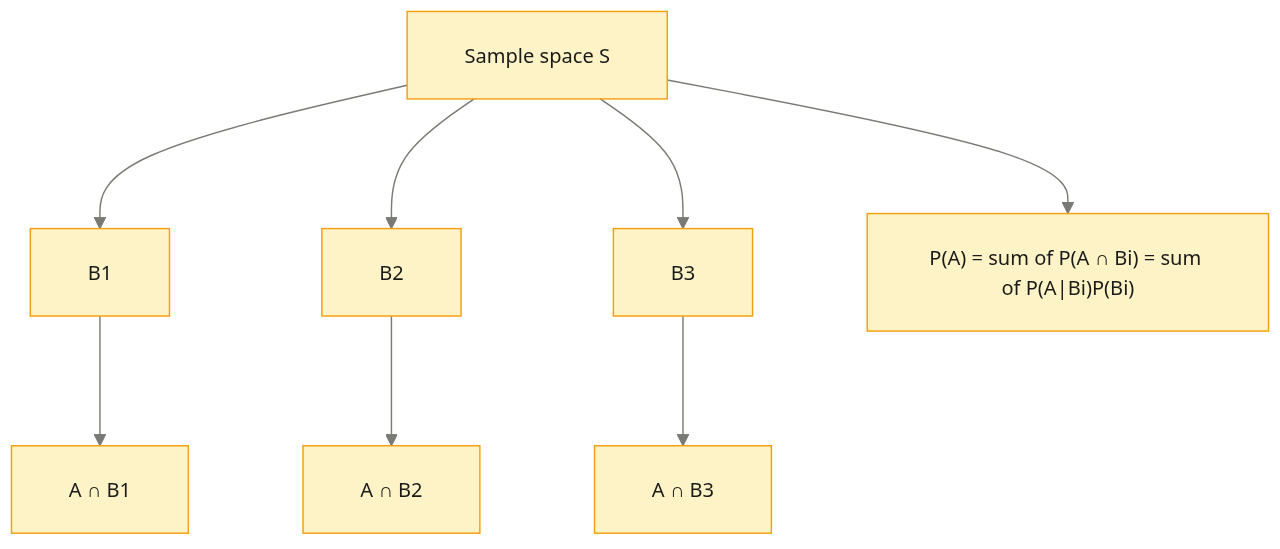
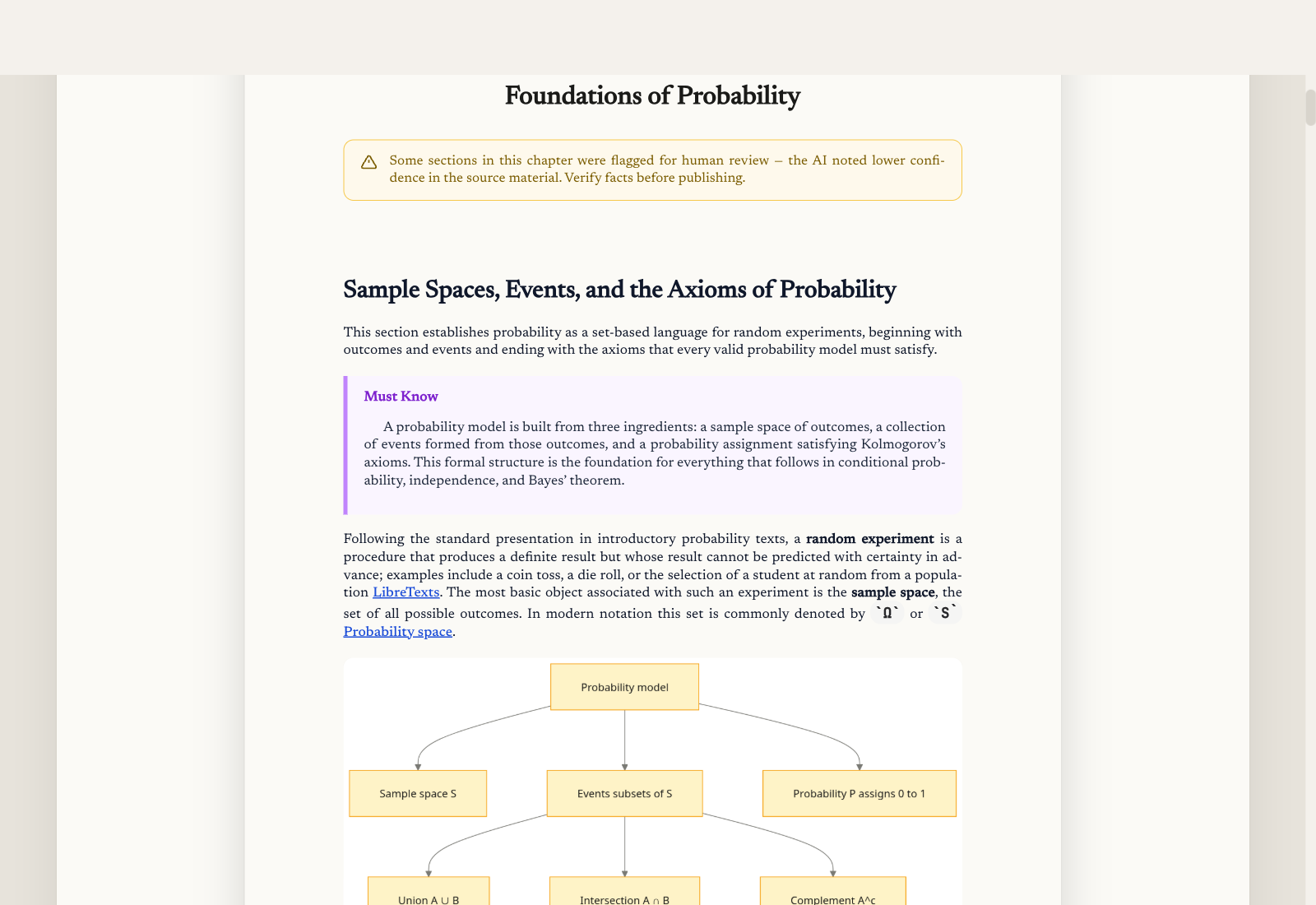
A soft watercolour cover with Bayes nets, normal curves, expectation and variance formulas. Inside, the law of total probability is rendered as a tree partitioning the sample space — the way it should be drawn the first time you see it.
Cover and the story of the book. No flowchart on this row.
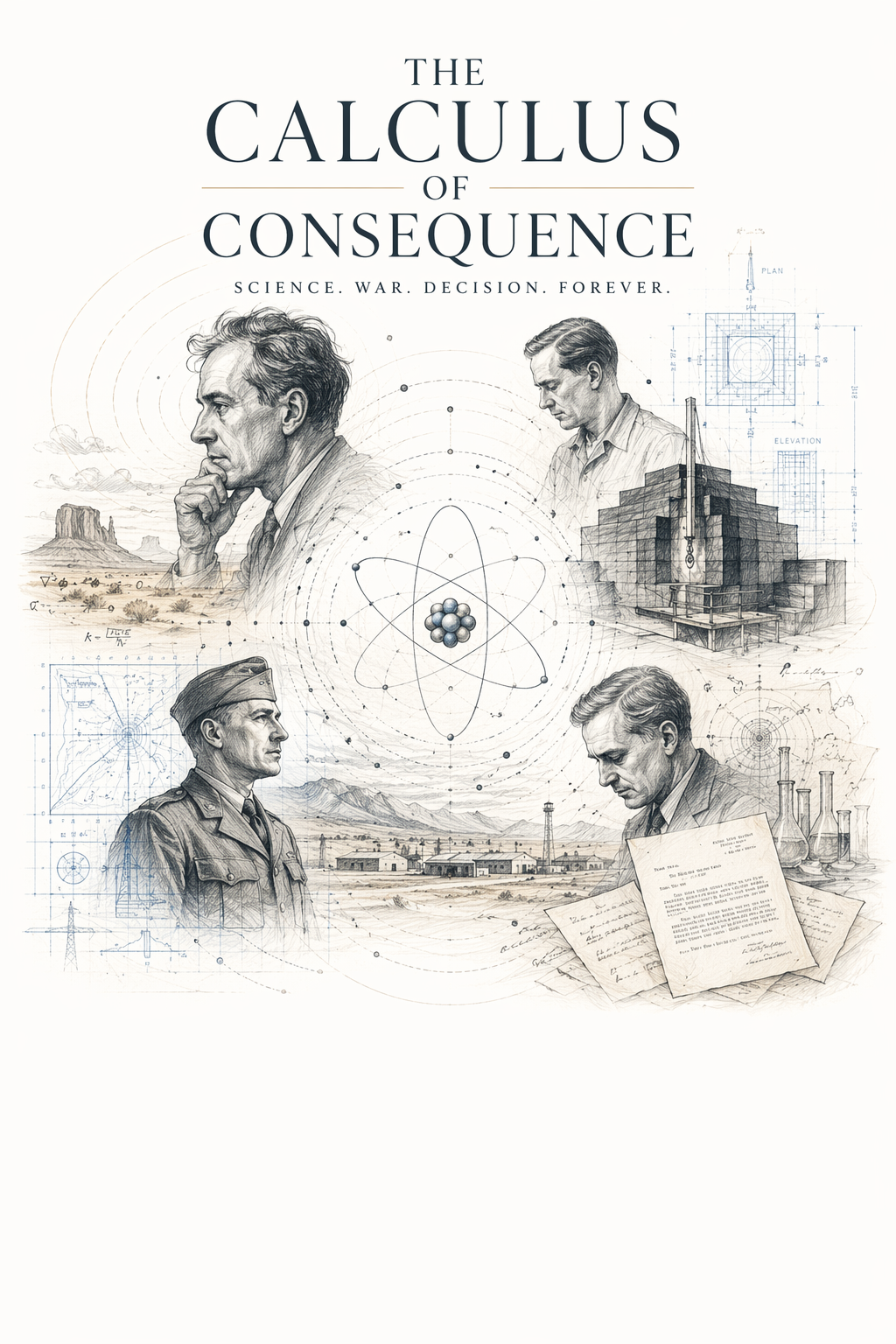
Even a history book gets a flowchart where one belongs. The cover is rendered as an editorial illustration; inside, the December 2, 1942 first criticality test becomes a vertical event-by-event diagram instead of a paragraph.
Tone, point of view, rating, audience, and how far the prose may wander — the same knobs used in planning, surfaced so fiction is not invisible.
Dark, wry, lyrical, gritty, whimsical, warm — pick the register the book should hold.
First person, third limited, third omniscient, or second.
G / PG / PG-13 / Mature. Children’s defaults to G.
Adult, YA, middle grade — or picture-book age bands.
The same five-level knob the planner uses today.
Architecture figures and type-checked programs stay on the technical path.
You stay in the book. Tell the editor bot what to change, then see before and after on the same page — not in a side file.
Rewrite a paragraph, fix a figure caption, tighten a proof. The bot does the chapter work.
The chapter shows what it was and what it is now. Accept when it’s right. Desktop PenBee; phone stays gated.
The assistant searches the whole book to find exactly the passage you mean.
Change the subtitle and cover colors, with the Reader, shelf, and PDF all in sync.
You decide the subject, the chapters, and the order. The planner adapts to your goal before a single word is written — no fixed template, no category box.
Shape the whole book by chatting with an AI planner that streams its thinking in plain language.
You own the outline — every chapter and subtopic, in the order that matches how you think.
Feed in the URLs and references you actually trust as the raw material for the book.
Watch the chapter plan assemble in real time beside the conversation as you refine it.
Go beyond technical — pick a genre and use creative controls to shape voice and style.
Technical books research the web, arXiv, and PDFs you add. Story Studio books are grounded in world and voice — not a paper trail.
Researches your topic from live, authoritative sources on the web before writing begins.
Focuses research on what a model can’t reliably know, keeping fast-moving topics current.
Each chapter draws on the exact source passages retrieved for it, not general recall.
Pull in papers and PDFs so the book is built on the primary material you point it at.
Disallowed topics are declined up front, with section-level vetting as it writes.
Fiction is not sold as “authoritative sources.” Research stays on the technical path.
Full multi-section chapters in a consistent author voice, with a designed cover, generated in front of you rather than behind a spinner.
Turns your plan into full, multi-section chapters with depth — the shape of a real book.
Written in a coherent narrative voice throughout, not disconnected bullet points.
A cover for your book is generated right after research — you see it before the chapters land.
Live progress shows the current subtopic and how far along it is — no black box.
Step away mid-book and pick up exactly where you left off, nothing lost.
Technical books get print-checked figures and programs. Story Studio books get generated illustrations. One pipeline, two paints — not architecture diagrams in a novel.
Architecture, sequence, dataflow, workflow, and lifecycle figures drawn where a paragraph would be weaker.
Technical figures are measured for print readability. Other genres use generated illustrations instead.
Real data-visualization charts sit in line with the chapter, next to the explanation.
Code blocks are Prism-highlighted in the Reader (light/dark). Exported PDF, Kindle, and EPUB stay plain monochrome.
Regenerate any figure by describing the change you want — the diagram is redrawn to match.
Set the display size of any figure in the Reader so it sits exactly how you want it.
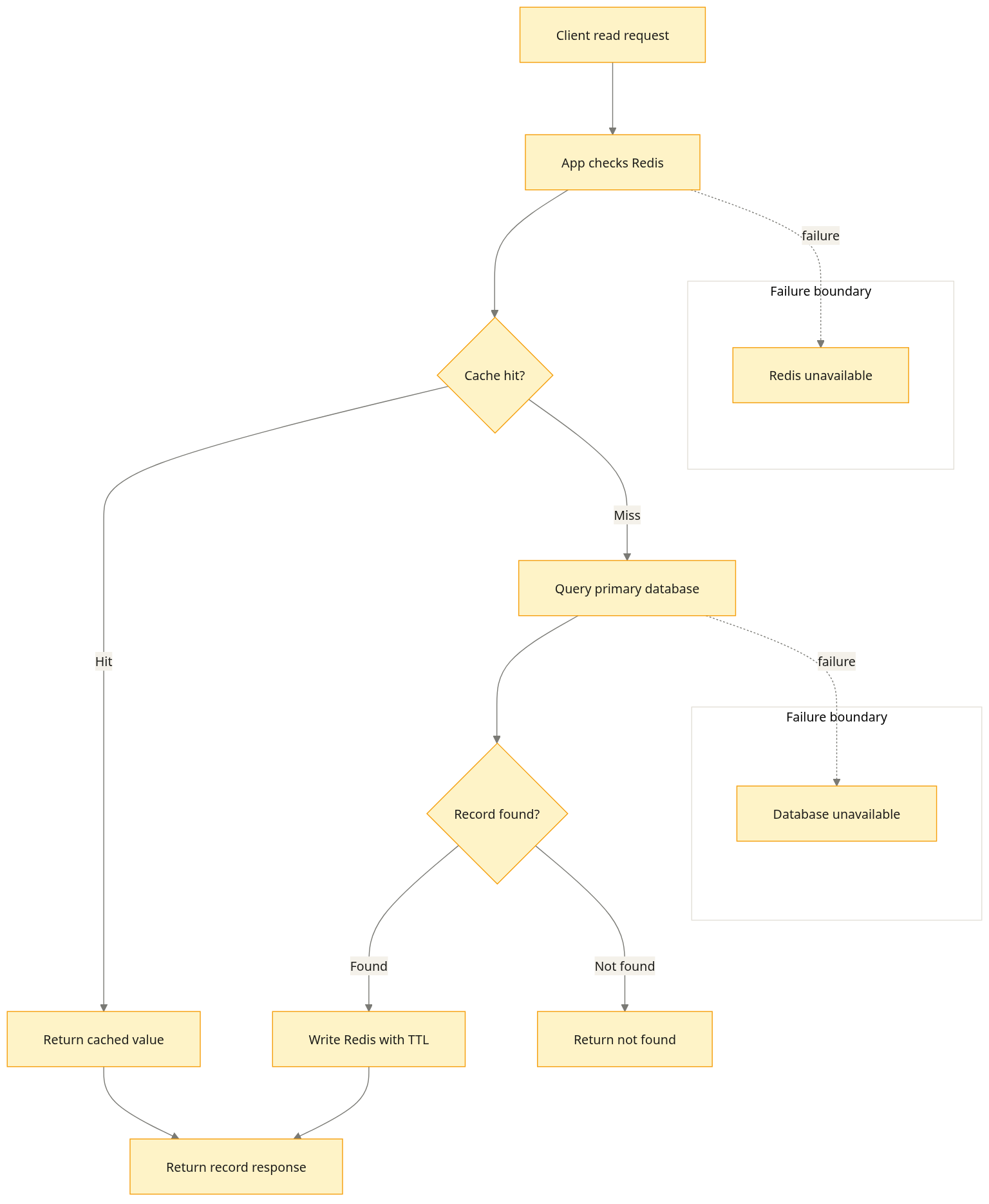
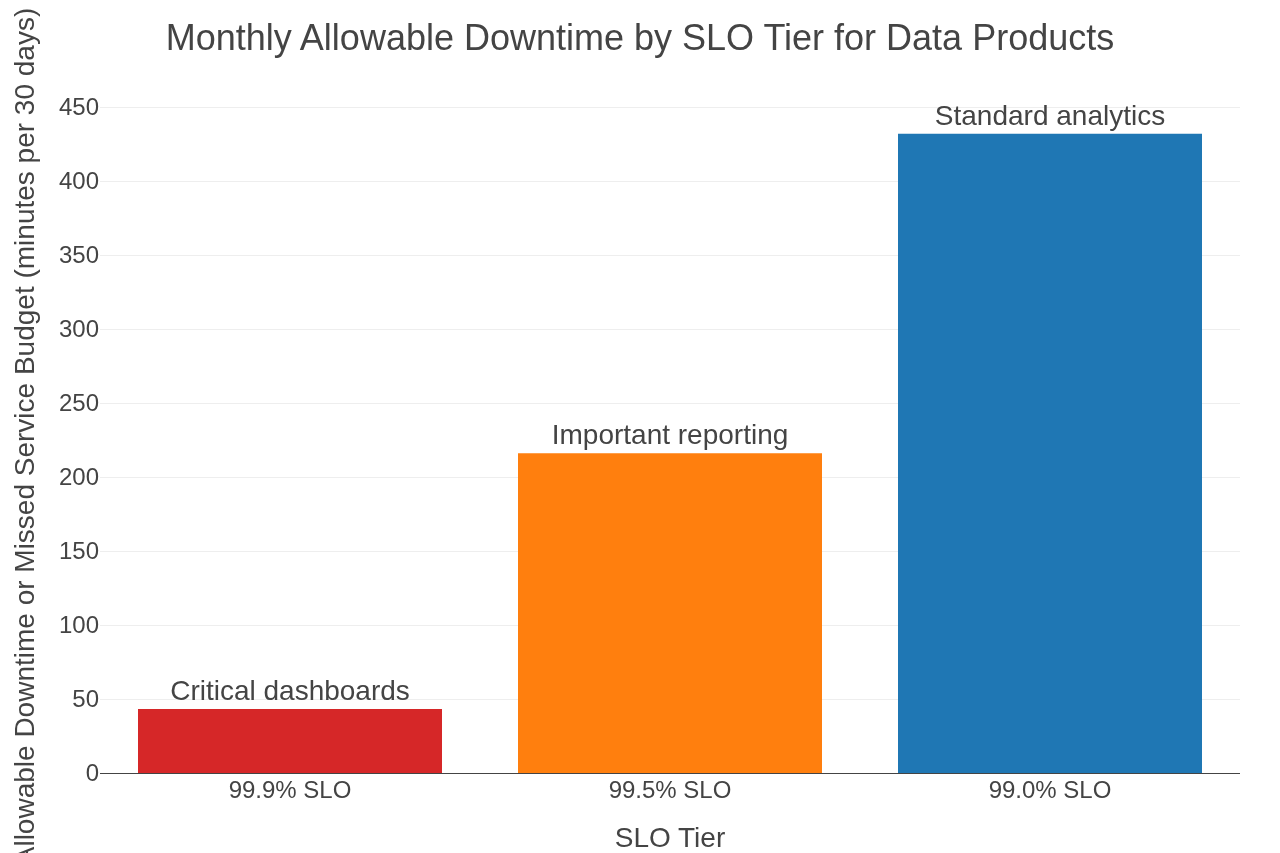
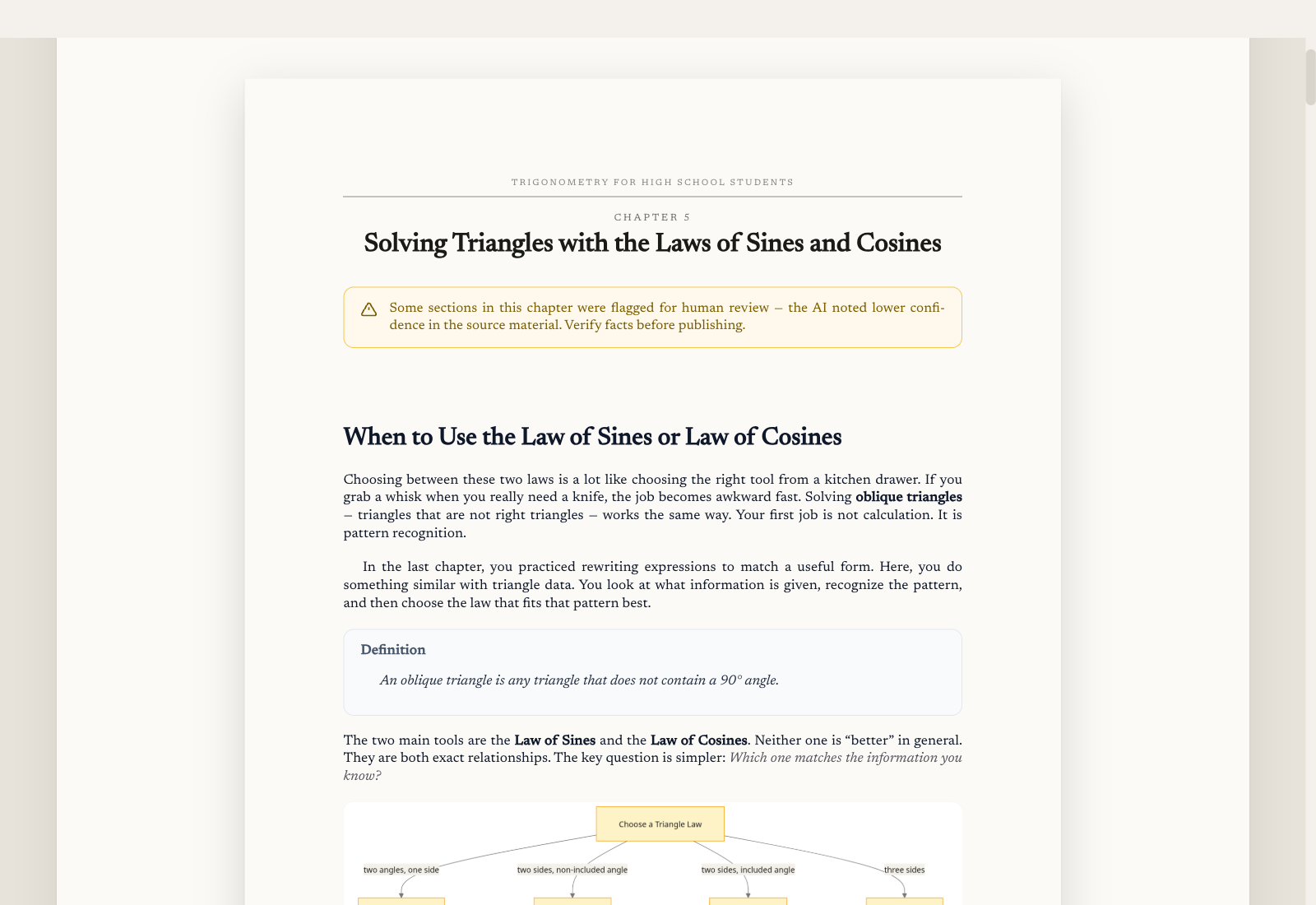
A built-in Reader with a single Reader ⇄ Book toggle that re-typesets each chapter on warm paper — serif body, drop caps, callouts, definition boxes, diagrams flowed in line.
Read the finished book chapter by chapter, cleanly rendered, cover-first.
Re-typesets on warm paper with serif body, drop caps, and “Must Know” callouts.
Adjust trim size, font family, paper tint, and reading width to suit you.
Choose a visual palette — Dusk, Press, Studio, or a deep Forge dark.
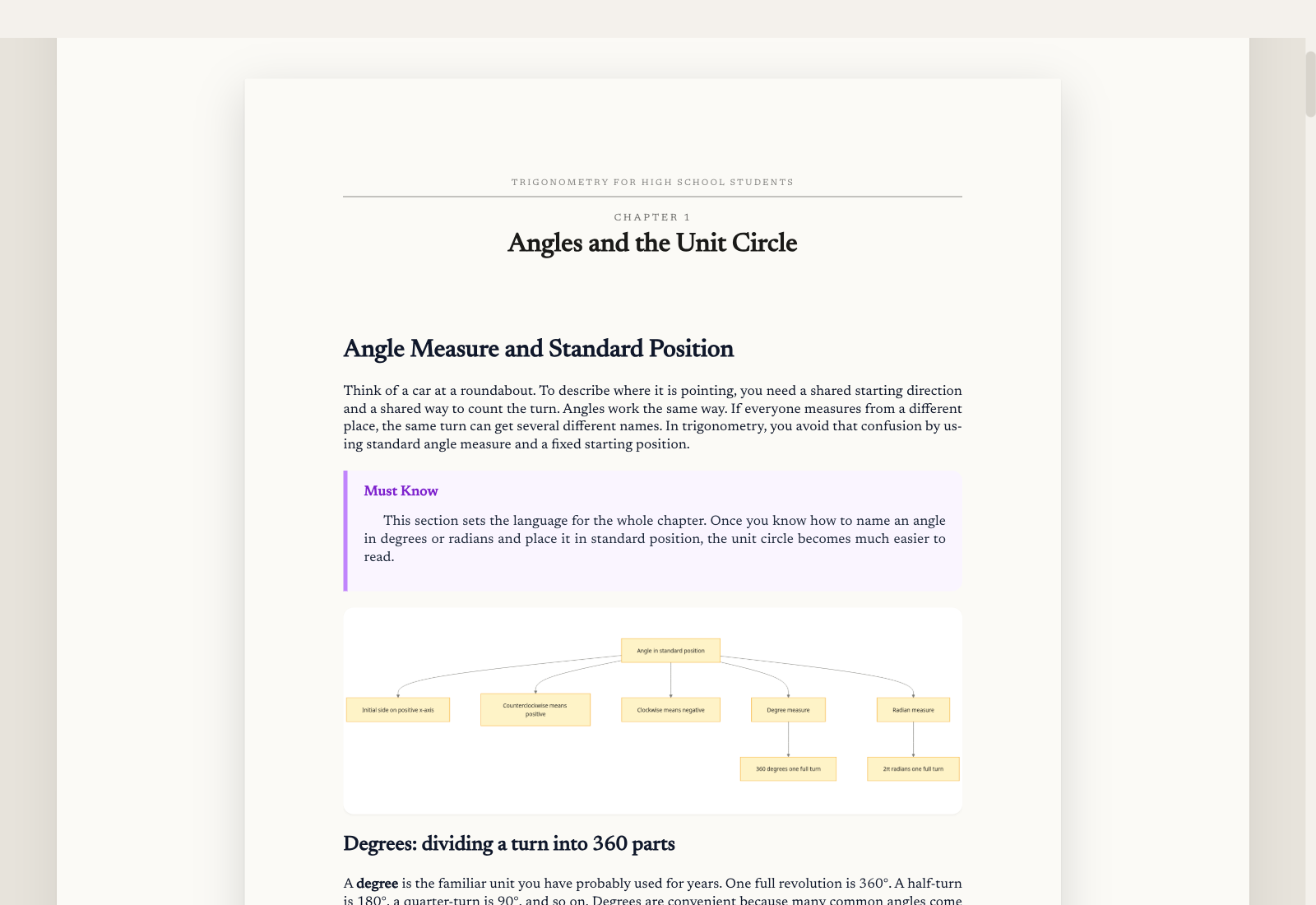
A book is never frozen. Add brand-new chapters to a finished technical book, or branch any book into parallel versions and promote whichever one you like.
Extend a finished technical book with entirely new chapters and full outline freedom. Story Studio books start a new book to continue the story.
Branch a book into parallel versions and explore variations side by side.
Name any version and promote the one you want to be the live edition.
When it’s ready, bind it. A table of contents is built at bind time, and you choose the format your book needs to ship in.
Bind the book to a clean, downloadable PDF with a generated table of contents.
A KDP print profile with a wrap cover and preflight — a sellable, printable book.
Export a Kindle-ready package so the book is ready for the e-reader too.
Bring a topic and the sources you trust. Walk out with a real book.